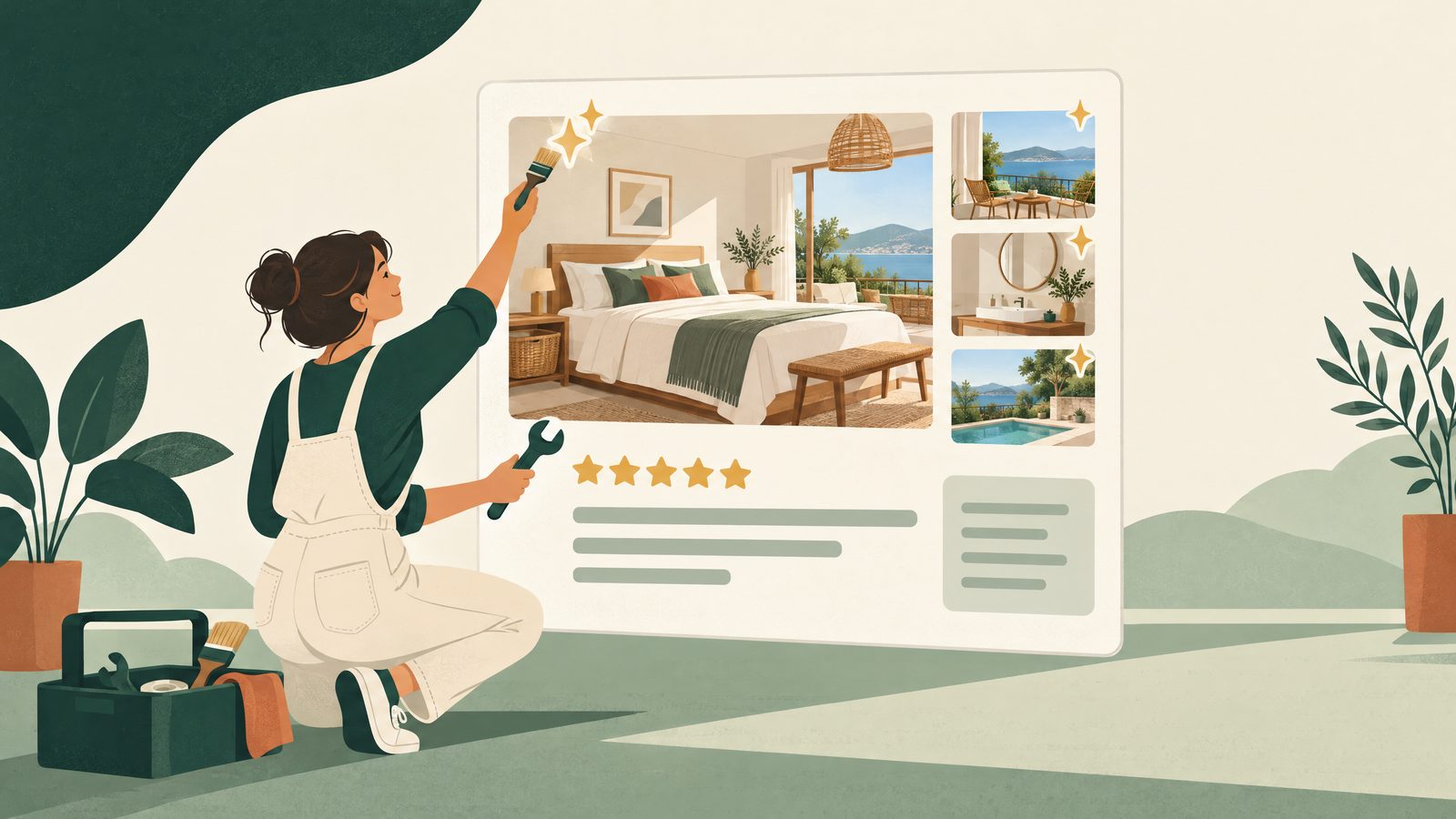
Your Airbnb gets views, but the calendar still has gaps. Before you cut the rate, check what guests see after they click. Airbnb listing optimization means improving the page so suitable guests can understand the offer, trust its details, and book without unanswered questions. A brighter cover photo may earn attention; a clear sleeping layout or parking explanation may win the reservation. Those are different jobs, and you’ll get better answers by testing them separately.
Airbnb Universe is a host-run blog about Airbnb hosting, run by Devin and Sarah. Forgetting a top bedsheet earned their first 3-star review. The lesson applies here: your listing’s promise has to survive the stay. Better conversion shouldn’t attract guests your property can’t satisfy.
Start your Airbnb listing optimization with the right metric
A host sees fewer bookings and rewrites the description. But suppose fewer travelers are seeing the listing at all. The copy might be fine; it can’t persuade people who never reach the page.
Separate the guest’s journey into two measurable stages where your reporting allows it:
- Search impression to listing view: Did the search card earn a click? The cover image, visible title, price, and review signals matter here.
- Listing view to booking: Did the page resolve enough questions to earn a reservation? Photo coverage, amenities, policies, and the total offer matter here.
For a working booking conversion rate, divide new bookings by listing views over the same reporting period, then multiply by 100. Treat this as a directional measure, not the percentage of individual people who booked: views may include repeat visits, and someone can browse in one period and book in another. Use the platform’s metric definitions when available.
Occupancy is different. It measures booked nights against available nights, and a longer reservation can raise occupancy without creating more bookings. Don’t use it alone to judge a title change.
If visibility is the problem, use the separate Airbnb SEO guide. This audit focuses on helping the right visitor choose your listing, not guessing how to influence search rankings.
Make the title answer a guest’s selection question
“Lovely vacation home” could describe almost anything. Say you’re renting a two-bedroom condo in Asheville with a dedicated parking space. A guest arriving late with a car needs that detail more than another adjective.
Write the title around a useful difference, then support it elsewhere on the page. For example:
Before: “Lovely Asheville vacation condo”
After: “Asheville condo with parking and king bed”
The second version gives travelers a reason to look closer. But someone without a car might prefer walkable restaurants. Choose the feature that matches your intended guest.
Keep the strongest detail near the beginning. Display space varies across devices and search layouts, so preview the actual card instead of assuming every character will appear. Avoid capitals and decorative punctuation that crowd out information.
Let the description expand the title’s claim: explain whether parking is assigned or suitable for a large vehicle. Don’t repeat the same phrase mechanically.
Choose a cover photo, then inspect the viewing sequence
A striking sunset draws clicks, but the next images show four nearly identical deck views. A parent comparing rentals still can’t tell where the children will sleep. Attractive photography has left a booking question unanswered.
Choose a cover image that shows a genuine reason to stay. For a small apartment, that might be a well-lit living area with the kitchen visible. For a cabin, it might be the private deck and the view together. A nearby attraction shouldn’t look like part of your property.
The thumbnail crop matters. Check it on mobile: can you still recognize the feature? A hot tub cut off at the edge won’t communicate the full photograph’s offer.
Then inspect the next images guests actually encounter. Airbnb’s photo-tour layout can organize images by room; don’t assume your uploaded order always becomes one fixed sequence. Use the available controls, and check the guest-facing result.
For the hypothetical condo, prioritize evidence of the living area, both bedrooms, the kitchen, and the bathroom. Include parking and the entrance before decorative close-ups. A simple floor plan can help explain whether the second bedroom is reached through the first.
Captions should answer practical questions: “Second bedroom: two twin beds” beats “A restful retreat.” Show shared areas and awkward features accurately. Don’t stretch a room with extreme wide-angle editing or digitally remove a permanent obstruction.
If the existing shots can’t show the space clearly, the Airbnb photography guide is the next step. Hiring a photographer can solve poor coverage, but it won’t fix a misleading brief.
Use the first description lines to confirm fit
“Welcome to our beautiful home, where memories await” spends precious opening space without resolving anything. A guest scanning on a phone may still wonder whether this is an entire apartment or a room in the host’s home.
Use the first lines to establish the space and its main benefit, with an important limitation close behind. Say the condo is reached by stairs:
Stay in a private two-bedroom Asheville condo with an assigned parking space and a king bed. There’s a full kitchen for meals between outings. The entrance is up one flight of stairs, with no elevator.
This hypothetical opening may cost you an unsuitable booking. That’s better than a frustrated arrival with heavy luggage. Guests can judge fit immediately.
Below the opening, organize details around questions guests would otherwise message you: sleeping arrangements, bathroom access, shared spaces, parking, and location. Distinguish a sofa bed from a bedroom. Explain whether the host lives upstairs.
Avoid unqualified travel-time promises. “Ten minutes downtown” means little without a transport mode or traffic conditions. Use verified distances or qualify drive times, and don’t publish an address or security information unnecessarily.
For a fuller copy structure, see how to write an Airbnb description. Keep the opening concise; let the rest of the page supply the proof.
Make amenities searchable and believable
The description says “great for remote work,” but the photos show a stool at the kitchen counter. The amenity fields don’t confirm a workspace. A traveler can’t tell whether this is a practical setup or hopeful marketing.
Audit amenities in the structured fields as well as the prose. Guests can filter for amenities, so mentioning Wi-Fi in a paragraph doesn’t substitute for selecting the correct available option. Mark only what you genuinely provide.
For each selling point, compare the amenity selection, its explanation, and the relevant photo. If you list a workspace, show the desk and chair. If you describe laundry access, state whether it’s private, shared, or paid. A seasonal pool needs opening dates, not an unqualified year-round promise.
Explain access: a private hot tub beside the cabin is a different offer from a shared facility across the complex.
Don’t infer accessibility from an absence of complaints. Verify the relevant measurements and features before selecting accessibility details. Keep safety information accurate, too; a feature must exist and function before it belongs in the listing.
The Airbnb amenities guide can help you spot omissions. Buying another amenity comes later. First make the useful things you already offer visible and correctly described.
Write house rules without turning the page into a warning sign
A listing opens with “NO PARTIES! NO EXCEPTIONS!” and follows with a long penalty list. A considerate couple might wonder whether every interaction with the host will be a confrontation. At the other extreme, vague rules create preventable disputes.
State firm boundaries in neutral language. “Quiet hours are 10 p.m. to 8 a.m.; no parties or events” communicates a usable expectation. Put guest limits, pet permissions, smoking restrictions, and any visitor policy in the relevant fields and explain details where needed.
Keep firm boundaries clear. If pets aren’t allowed, don’t soften that into “ask us about furry friends.” Guests shouldn’t need to negotiate basic fit.
Separate booking-relevant rules from instructions for operating the home. A strict checkout time matters before purchase. How to reset the dishwasher usually belongs in the house manual. If checkout involves substantial guest tasks, disclose those expectations before booking rather than surprising people later.
Review the cancellation policy as part of the offer, too. More flexibility may reassure travelers, but it also exposes you to cancellations. Don’t change it solely to chase conversion without considering your ability to refill dates.
Use the Airbnb house rules examples as a starting point, then remove rules that don’t apply. Keep your boundaries consistent across the page and your messages.
Audit the total trip price before changing the nightly rate
Say the Asheville condo costs $165 a night with a $90 cleaning fee. The host thinks it competes at $165. A guest comparing a two-night trip sees a different offer.
Airbnb displays fee-inclusive stay totals before taxes in US search. Inspect your listing with real dates and the intended guest count, rather than relying on the calendar’s nightly rate. You control your rates and applicable fee settings, but not the platform’s entire display.
The Federal Trade Commission’s 2025 fee-rule guidance explains that its rule took effect on May 12, 2025. It covers short-term lodging, including vacation rentals, and requires advertised totals to include calculable mandatory fees. Government taxes and genuinely optional charges can be excluded initially, but must be disclosed before payment. A mandatory cleaning fee belongs in the upfront total.
For the hypothetical condo, the lodging arithmetic is:
- Two nights: $165 × 2 + $90 = $420, or $210 per night.
- Three nights: $165 × 3 + $90 = $585, or $195 per night.
These subtotals exclude any platform guest service fee, taxes, or other applicable charges; they aren’t complete checkout quotes. They show why a fixed turnover charge weighs more heavily on a short stay. Turnover means preparing the property between guests.
Compare complete guest-facing totals for the same dates, guest count, and broadly similar properties. Check whether discounts, extra-guest charges, minimum stays, or pet selections change the result.
Moving the cleaning fee into the nightly rate doesn’t automatically make the same trip cheaper. Cutting it without covering cleaning costs can hurt your margin. Use the Airbnb pricing strategy guide for rate decisions; keep this audit focused on what guests can book and what they’ll pay.
Remove booking friction you can actually support
A guest asks about late arrival. By the time you answer, they’ve booked elsewhere. But removing booking barriers only helps if your operation can support the reservations.
Answer recurring questions on the page and keep calendars accurate. If request-to-book remains appropriate, explain any genuine requirement clearly and reply promptly. Don’t promise a response time you can’t maintain.
Consider Instant Book when your rules, availability, and check-in arrangements support immediate confirmation. Review the current settings before enabling it. This is a trade-off about guest convenience and your workflow, not a guaranteed ranking boost.
Read recent reviews for unresolved doubts. If guests repeatedly mention confusing parking, fix the directions and clarify the listing. A calm, factual response can explain a resolved issue to future readers. Don’t argue with a reviewer or claim a repair that hasn’t happened.
Trust signals should reflect the stay. No wording adjustment substitutes for fixing the recurring problem.
Run a 45-minute listing audit before you test
Random edits make the page different without making it clearer. Say you change the title, lower prices, and replace photos on the same afternoon. Even if bookings improve, you won’t know which change helped.
Start with a short audit and save dated screenshots of the current listing:
- Five minutes: Review available views and booking data. Identify the stage you want to improve.
- Ten minutes: Inspect the mobile search card and first visible photos. Check whether they show the same offer.
- Ten minutes: Read the opening copy, room details, and amenities. Flag missing proof or contradictory claims.
- Ten minutes: Walk through rules, cancellation terms, and booking requirements as a guest.
- Ten minutes: Check guest-facing prices for realistic stays and write one test hypothesis.
Label findings as accuracy fixes or persuasion tests. Correct a falsely listed amenity immediately; you don’t need an experiment to decide whether the page should be truthful. Record the fix because it can affect subsequent comparisons.
For discretionary changes, choose one hypothesis: “Showing both bedrooms earlier will reduce uncertainty about sleeping arrangements.” That is specific enough to test. “Make the listing better” isn’t.
Test before and after in comparable time slices
A new cover photo goes live during a holiday surge, and bookings increase. Calling that a photo win confuses the edit with demand. Hosts usually can’t randomly assign Airbnb visitors to simultaneous listing versions, so this is A/B-style sequential testing, not a controlled A/B experiment.
Save version A and run it for a baseline period. Then run version B for the same number of complete weeks. Two weeks per version can be a starting schedule, not a promise of enough data. Low-traffic listings may need much longer; stop short of comparing different seasons as though nothing changed.
Choose the metric before starting. For a cover-photo test, use search-to-view data if available. For a description or layout explanation, use listing-view-to-booking conversion. Keep the denominator definition unchanged.
Say A receives 400 views and eight new bookings, while B receives 400 views and 12. That’s 2% versus 3% conversion: an increase of one percentage point, or 50% relative to A. It’s also just four additional bookings. Those hypothetical results suggest another observation period, not proof that the edit caused the increase.
Keep a dated test log containing:
- The exact change and the reason for it.
- Reporting dates, views, and new bookings.
- Rates, fees, discounts, minimum stays, and cancellation settings.
- Available inventory and booking lead time, meaning how far ahead guests reserve.
- New reviews, holidays, local events, promotions, or operational disruptions.
Avoid changing other discretionary elements during the test. If dynamic pricing stays active, log its changes; don’t pretend price was constant. Availability matters too: B may have fewer desirable weekends left to sell because A already booked them.
Where conditions remain reasonably stable, returning to A can help you check whether the apparent improvement persists or reverses. It still doesn’t eliminate seasonality or guest-mix differences.
Choose the clearer version when evidence is inconclusive. Keep watching average booking value, cancellations, and guest-fit questions so a higher conversion rate doesn’t hide lower-margin or unsuitable reservations.
Keep the change that resolves a real booking doubt
A higher click count can feel encouraging even when guests still leave without booking. If your revised cover wins attention but hides the property’s limitations, it has solved the wrong problem.
Pick one unanswered guest question. Make the answer visible, support it with evidence, and compare the relevant metric. Save your screenshots and test log so the next improvement builds on what you learned.
Frequently asked questions
How long does Airbnb listing optimization take to work?
There isn’t a reliable universal timeline. Tie your review schedule to how much traffic your listing receives and how far ahead guests typically book. A busy property may accumulate useful observations quickly, while a low-volume listing may not. Fix inaccurate information immediately, but allow discretionary edits enough comparable exposure before judging their effect.
Should I hire an Airbnb listing optimization service?
Consider outside help when you can name a specific skill gap, such as photography or explaining an unusual layout. Ask for a defined scope, sample deliverables, and a measurement plan. Avoid paying for guaranteed rankings or unexplained booking increases. You should retain control of factual claims, property access details, rates, and policies.
Is a higher booking conversion rate always better?
No. A heavily discounted offer could convert more visitors while producing less income after expenses. A misleading offer could also attract reservations that later cancel or lead to complaints. Judge conversion alongside booking value, operating costs, and whether guests understood the property. The goal is profitable reservations from travelers who fit the stay.
Can I optimize a new Airbnb listing without reviews?
Yes. Concentrate on information guests can verify before arrival: complete room photographs, specific sleeping arrangements, accurate amenity details, clear restrictions, and an understandable price. Don’t invent guest feedback or imply an earned badge. With little booking history, early performance comparisons will be uncertain, so prioritize accuracy and collect observations before declaring a winning version.